E-book Cover Upgrades
All Premium e-book covers are designed with a full-sized image that can extend to the spine and back cover. Upgrade to full print wrap now, or at any time in the future. These examples serve as a jumping-off point to start your ideas. Mix and match any of the text and layout elements shown below to create your unique back cover.
Please note, the examples shown below are for layout only, not color or graphics. Your author photo is optional. *Barcodes cannot move.
What you get:
- One high-resolution print ready PDF for your paperback or hardcover listing at Amazon, Barnes & Noble, or Ingram Spark.
- Coordinating artwork in JPEG and/or PNG with no text for making ads, banners, or social media posts.
- Email technical support.
Back Cover Layout style 1
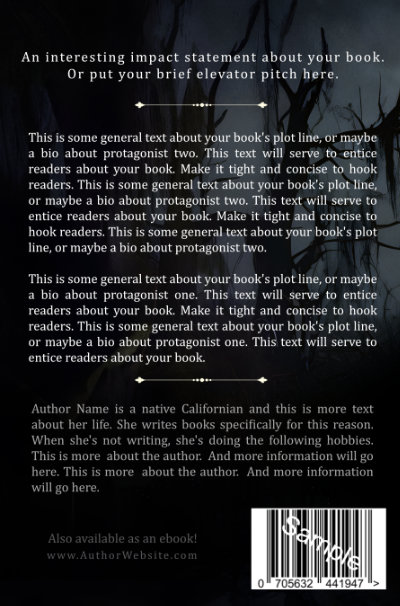
Text-only two-line elevator pitch, book blurb, accent graphic, author bio, “Also available as an ebook” and author URL in left corner, on full-image wrap artwork.
Back Cover Layout style 2
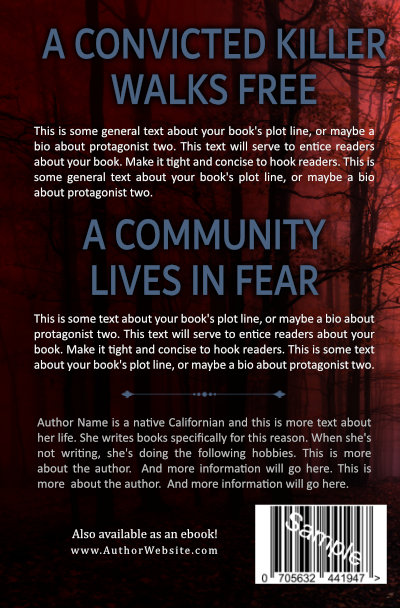
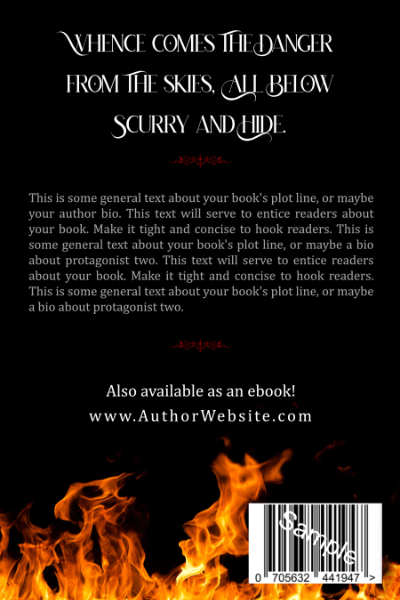
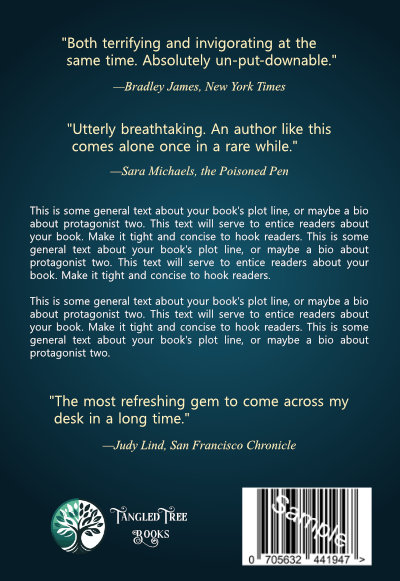
Two impact statements and two blurbs, accent graphic, “Also available as an ebook” and URL in left corner on full-image wrap artwork.
Back Cover Layout style 3
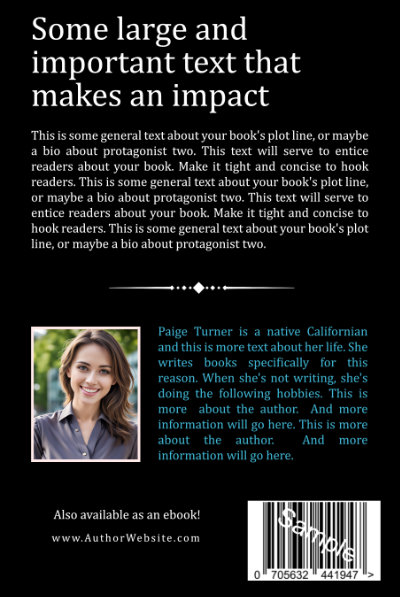
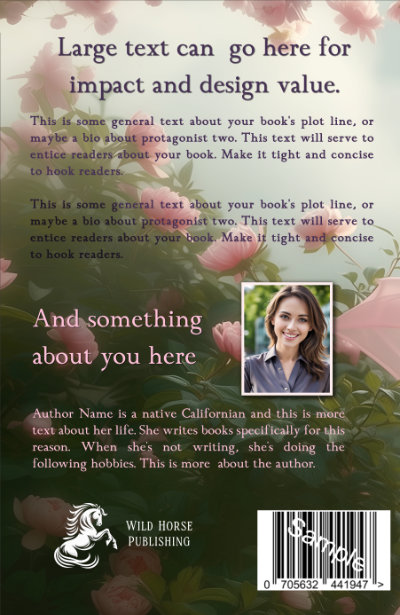
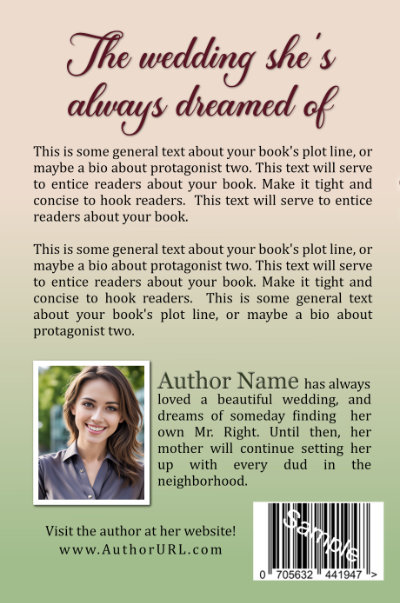
Impact statement or storyline lead-in with book blurb and author photo with short author description, “Visit the author at her website” and URL, on full-image wrap artwork.
Back Cover Layout style 4
Impact statement, author photo, author bio, “Visit the author at her website” with URL centered on full-image wrap artwork.


Back Cover Layout style 5
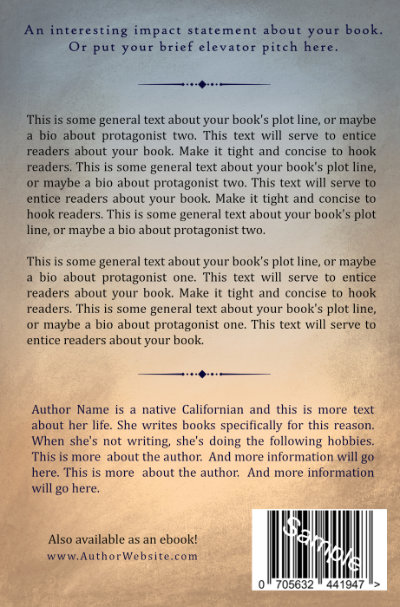
Impact statement, book summary, text-only author bio, accent graphic, “Visit the author online” with author URL in left corner, on gradient background with graphic element from or complimentary to cover image.
Back Cover Layout style 6
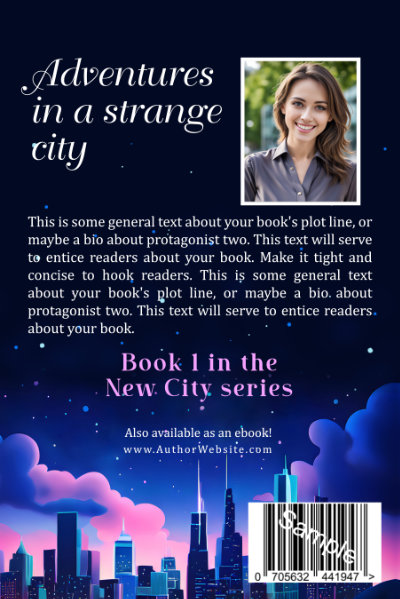
Minimalist layout with impact statement, short bio, series information, “Also available as an ebook” and URL centered on full-image wrap artwork.
Back Cover Layout style 7
Minimalist layout with graphic element from or complementary to cover image, impact statement, accent graphic, “Also available as an e-book” with author URL centered.
Back Cover Layout style 8
Minimalist layout with graphic element from or complementary to cover image, impact statement, accent graphic, “Also available as an e-book” with author URL centered.
Budget E-book Cover Upgrades
Add a solid color, gradient blend of colors, or textured back cover and spine to any budget cover. Your author photo is optional. Pair with any text layout option shown on this page, or mix and match to create your unique back cover layout. *Barcodes cannot move.
Budget Cover Add-on Wrap style 1
Linear gradient background (color blends from top to bottom). Pair with any text layout shown on this page.
Budget Cover Add-on Wrap style 2
Elliptical gradient background (color blends from center outward). Pair with any text layout option shown on this page.
Budget Cover Add-on Wrap style 3
Solid color background. Pair with any text layout shown on this page.
Budget Cover Add-on Wrap style 4
Linear gradient background (color blends from top to bottom) and texture overlay to match front cover artwork. Pair with any text layout option shown on this page.